Light Sensor vs Timer Automatic Chicken Door: Which?
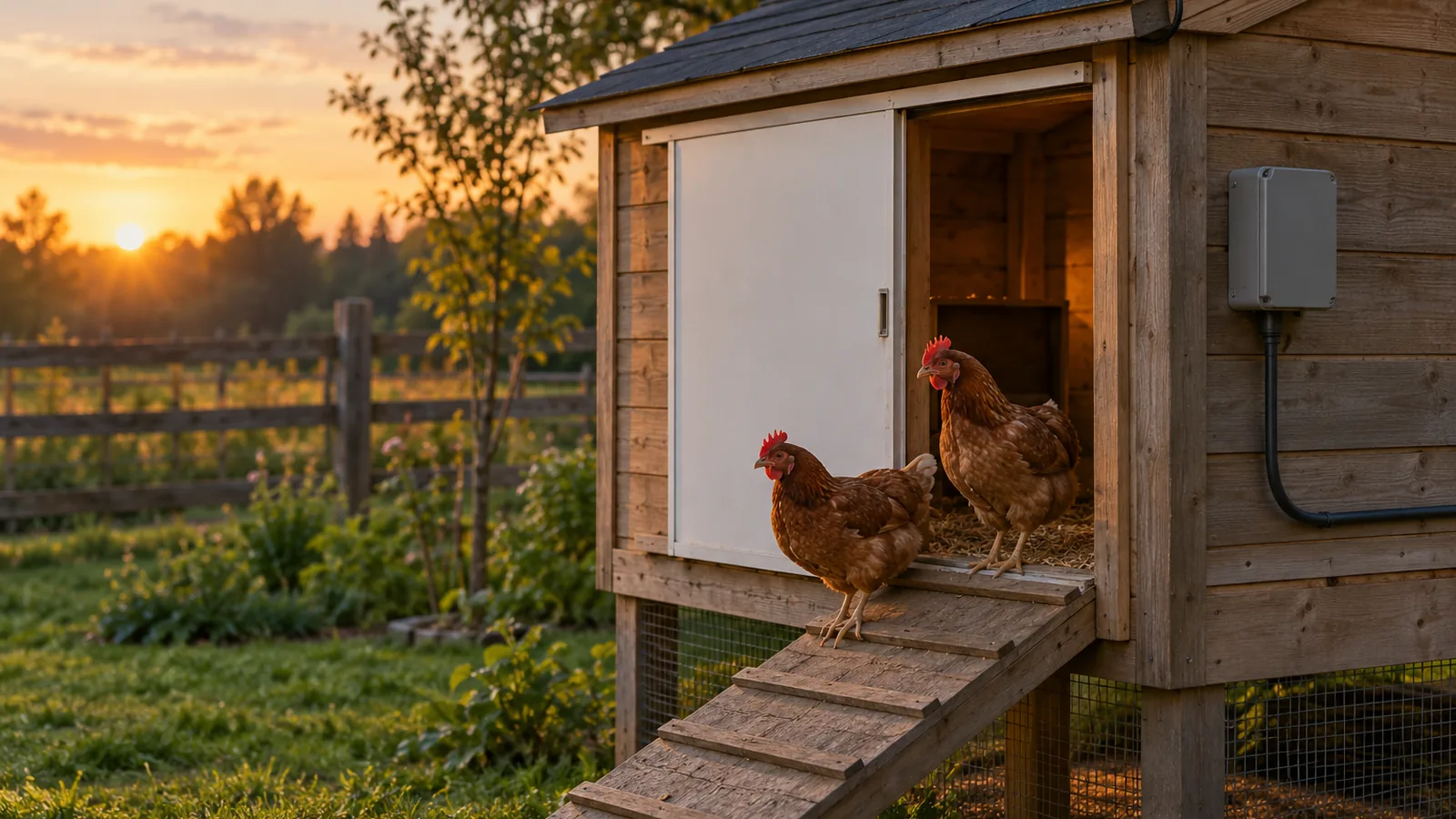
In a light sensor vs timer automatic chicken door comparison, the sensor follows daylight while the timer follows clock times you set, and Omlet’s light mode adds a 15-minute delay after light crosses a threshold. Pick the sensor if you want the door to track dawn and dusk, and set the closing light level lower than the opening level.
Quick answer
Should I choose a light sensor or a timer for my automatic chicken door?
A light-sensor door opens and closes when light crosses the thresholds you set, while a timer moves the door at clock times you choose. Choose a light sensor if you want the door to follow dawn and dusk, and a timer if your day runs on a fixed schedule. Trees or other shade can delay a sensor’s morning opening, so a timer suits a shaded coop better.
- Sensor setup: On Omlet’s light mode, set the closing light level lower than the opening level.
- Sensor delay: Omlet’s light mode waits 15 minutes after light crosses a threshold before it acts.
- Timer setup: Set the opening and closing times by hour and minute, and set the current-time dial first on a 24-hour plug-in timer.
- Mode choice: Omlet lets you switch between light and timer modes but won’t run both at once, so pick one.
- After closing: Confirm the door physically reached the fully closed position rather than assuming the scheduled command worked.
How do the two door controls compare?
A light-sensor door reacts to the light around the coop, while a timer moves the door at clock times you set. The main difference is what triggers each move and how closely it follows your routine.
| Feature | Light sensor | Timer |
|---|---|---|
| Trigger | Light crosses the thresholds you set | Clock times you choose |
| Delay before the door moves | 15 minutes after the light crosses a threshold; the countdown restarts if the light moves back | — |
| Adjustable setting | Sensor delay in 5-minute steps, up to 60 minutes (ChickenGuard) | Opening and closing times set by hour and minute |
| Setup rule | Closing threshold lower than opening threshold | Set the current-time dial on a 24-hour plug-in timer |
The 15 minutes after a light change delay keeps a passing cloud from opening or closing the door early. The sensor still responds to its surroundings, so coop location matters. Test the spot before you rely on it.
A timer runs the same way every day, but you’ll need to change the times as dawn and dusk shift or your flock’s routine changes.
When does a light sensor make sense?
A light sensor makes sense when you want the door to follow daylight instead of a clock. Light sensing tracks dawn and dusk as the days change, while a timer may need adjusting as daylight shifts through the year. It fits keepers who want:
- A daylight-linked routine: the door opens and closes when ambient light crosses the levels you set.
- Less reset work across seasons: you set light levels instead of moving clock times as day length changes.
- An open sky at the coop: trees or other shade can delay the morning opening, so this control works best where light reaches the sensor freely.
Thresholds are model-specific, so numbers from one product don’t carry over: ChickenGuard’s default readings are 210 and 80 on its LUX scale, and they aren’t universal thresholds.
Warning
Omlet’s panel batteries don’t provide backup power, and after a power cut the clock may reset while a non-Wi-Fi unit reverts to light mode.
When is a timer the better choice?
A timer is the better choice when you want the door to open and close at clock times you pick and keep those times every day. A timer follows the clock rather than the light, so the door opens at the same time on a cloudy morning as on a clear one. That predictability suits a keeper whose day runs on a fixed schedule.
Timers fit a few common routines:
- Fixed work hours: Set the opening time to match when you leave and the closing time to match when you get home.
- Predictable flock routine: The door keeps the same times until you change them, though you may need to adjust them as daylight or your routine shifts.
- Shaded coops: Trees can delay a light-sensor door’s morning opening, while a timer runs on its set times regardless of shade.
ChickenGuard’s manual describes separate timer opening and closing times, set by hours and minutes, and its Multi-Timer option allows separate daily opening and closing cycles. Automatic Chicken Coop Door’s 24-hour plug-in timer uses pins to set the times, and you must set its current-time dial first. Check the current time before you rely on the schedule, so the door doesn’t run on the wrong clock.
Some systems offer both light and timer control, but the two don’t always work together.
Warning
A non-Wi-Fi unit then reverts to light mode, so check the timer after any outage.
Choose a control that fits your flock
Pick a light sensor when you want the door to follow daylight, and pick a timer when fixed opening and closing times matter more. The right choice depends on your routine and on what the specific door can actually do, so check those details before you buy.
A light-sensor door suits a flock that follows the day’s natural rhythm, since it tracks changing dawn and dusk.
A timer suits a keeper who needs the door at set clock times, such as a fixed morning opening or a closing time you control. ChickenGuard’s 2023 manual sets opening and closing times by hours and minutes. A plug-in timer like the 24-hour model from Automatic Chicken Coop Door uses pins for each time, and you have to set its current-time dial correctly.
Before you buy, confirm these points:
- Threshold control: Look for separate opening and closing light levels, and set the closing level lower than the opening level.
- Mode switching: On the Omlet models described, you can switch between light and timer modes, but the two can’t run at the same time.
- Power outages: On Omlet’s mains-connected panels, the batteries don’t provide backup power, so the clock may reset after a cut.
Warning
After each closing cycle, check that the door physically reached the fully closed position instead of assuming the scheduled command worked.
Frequently Asked Questions
How can I check that an automatic chicken door has closed?
Look at the door itself after each closing cycle and confirm it reached the fully closed position. A timer or sensor running doesn’t prove the scheduled command worked. A quick evening check will catch a door that stayed open.
Can an automatic chicken door use both a light sensor and a timer?
Yes, but only on some models, and the two controls don’t always work together. ChickenGuard’s LUX+ mode closes by light first and uses a set time as a fallback if it isn’t dark enough by then.
How do I test whether my coop’s light sensor works?
Watch the door through a full light change.
Do automatic chicken doors need solar panels or mains power?
Not necessarily: the power setup depends on the model. Some controls run on mains power, but their batteries don’t provide backup power, so the clock may reset after a cut. Other models keep settings on a backup cell, though the cell can’t run the motor.
Can a timer door follow sunrise and sunset automatically?
No, a timer runs on the clock times you set, not on sunrise or sunset. You may need to update those times as daylight shifts through the year. If you want daylight to drive the door, a light-sensor control follows the light automatically instead.
Conclusion
If daylight should set your schedule and the coop gets open sky, pick a light sensor, since shade can delay the morning opening. If you need the door at the same clock times every day, pick a timer, and set its clock before you rely on it.
Next, check that the exact model offers the setup you want, because some units won’t run light and timer modes at the same time. Then install the door and watch the first few mornings and evenings before you trust its settings.
Sources
- How does the light mode work? (help.omlet.com)
- chickenguard.com (chickenguard.com)
- automaticchickencoopdoor.com (automaticchickencoopdoor.com)
- omlet.us (omlet.us)
- help.chickenguard.com (help.chickenguard.com)
- help.omlet.com (help.omlet.com)
- help.omlet.com (help.omlet.com)
- help.chickenguard.com (help.chickenguard.com)